

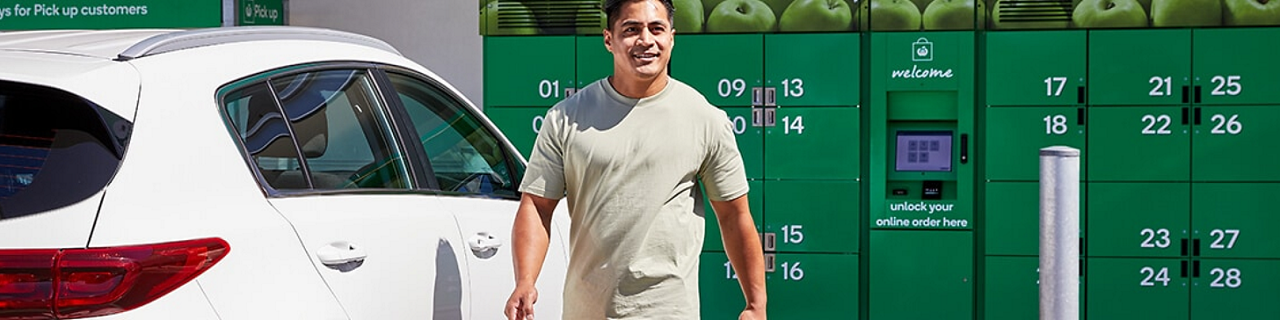
Get your order when you want it with eLockers
Need to pick up your shopping on the go or on your way back from work? With self-service eLockers, you can pick up your order whenever it suits you.
How to use eLockers
Select your location
Choose your preferred locker location and time slot at checkout.
Get your code
We’ll text a unique pick up code to your phone when your order is ready.
Unlock your locker
Enter your code on your designated locker’s keypad when you arrive.
Collect your order
Grab your groceries from the locker and you’re good to go.
Why do our customers like eLockers so much?
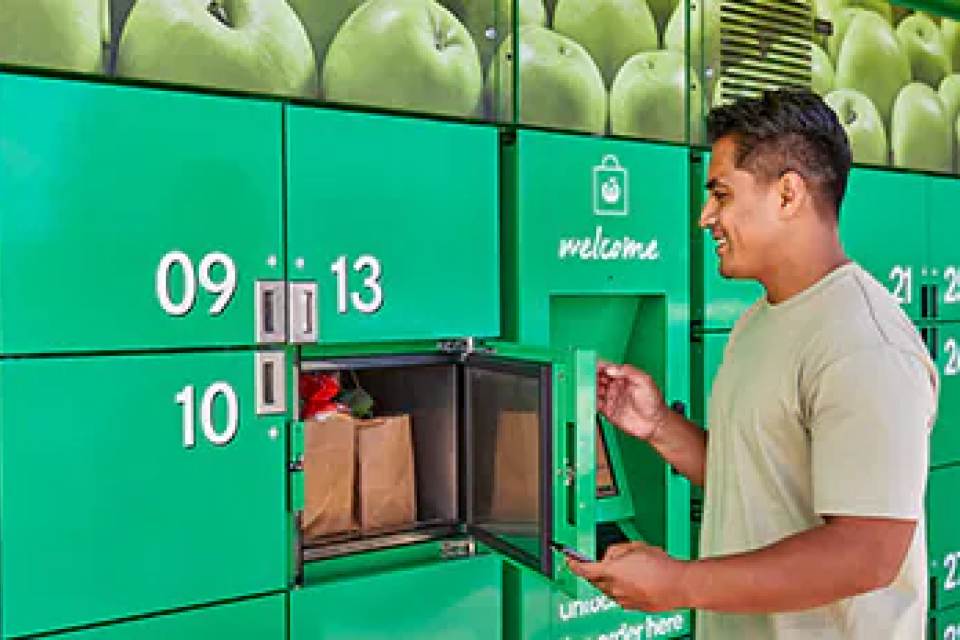
Contactless Pick up
Skip entering the store with our contactless Pick up. Simply enter the code into your locker screen, follow the prompts, and you’re all set.
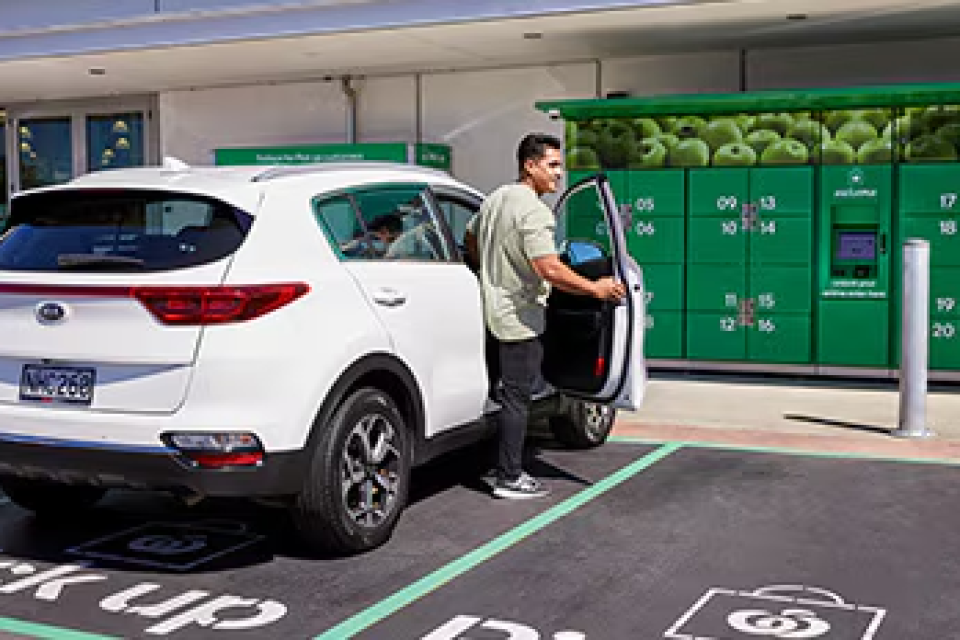
Dedicated car parks
Dedicated car parks
With easy access to a designated Pick up car park, just pull in, collect your groceries and be on your way in no time.
Temperature-controlled lockers
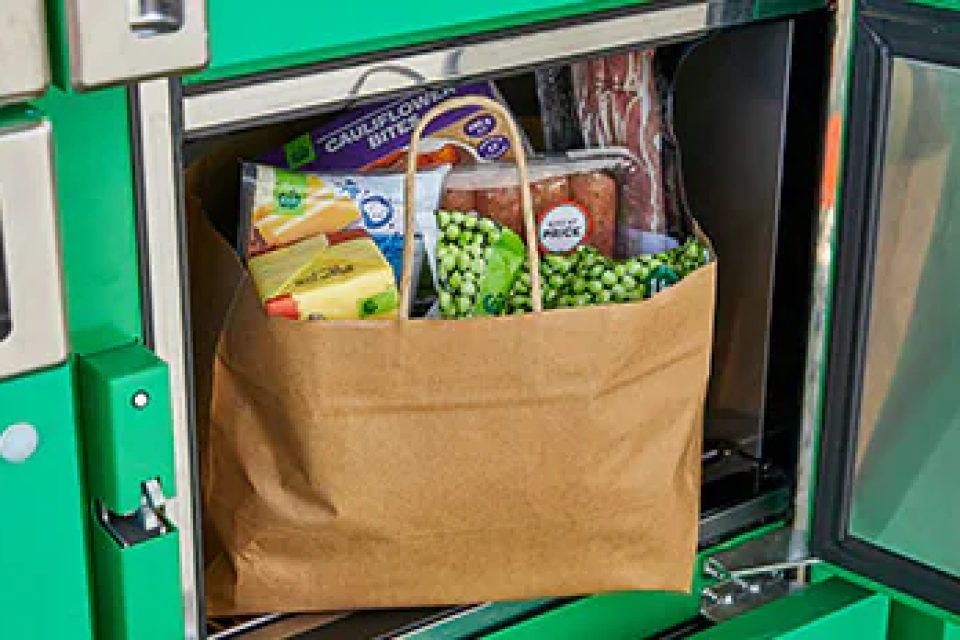
Temperature-controlled lockers
Self-service lockers have frozen, chilled, and ambient temperature settings to make sure your groceries remain fresh until they’re picked up.